
Richland County Court Dockets Explained
A docket is the court's event log. It is not the same as the full case file. For Richland County court dockets, the entry list may show a filed complaint, indictment, motion, order, hearing, judgment, sentence sheet, financial entry, or other case action. A docket helps track what has happened and what may be scheduled, while the full court record may contain the actual pleadings, exhibits, orders, bond papers, or certified copies.
South Carolina's court structure affects docket routing. Richland County is in Judicial Circuit 5. Circuit Court includes Common Pleas for civil matters and General Sessions for criminal matters. Family Court, Probate Court, Magistrate Court, Municipal Court, and Master-in-Equity matters can create separate docket trails. Columbia Municipal Court records are maintained through Richland County Public Index when the Columbia Municipal Court agency is selected.
The Richland County Civil Court page identifies the local civil court channel for Common Pleas matters, civil records, filings, and copy questions.
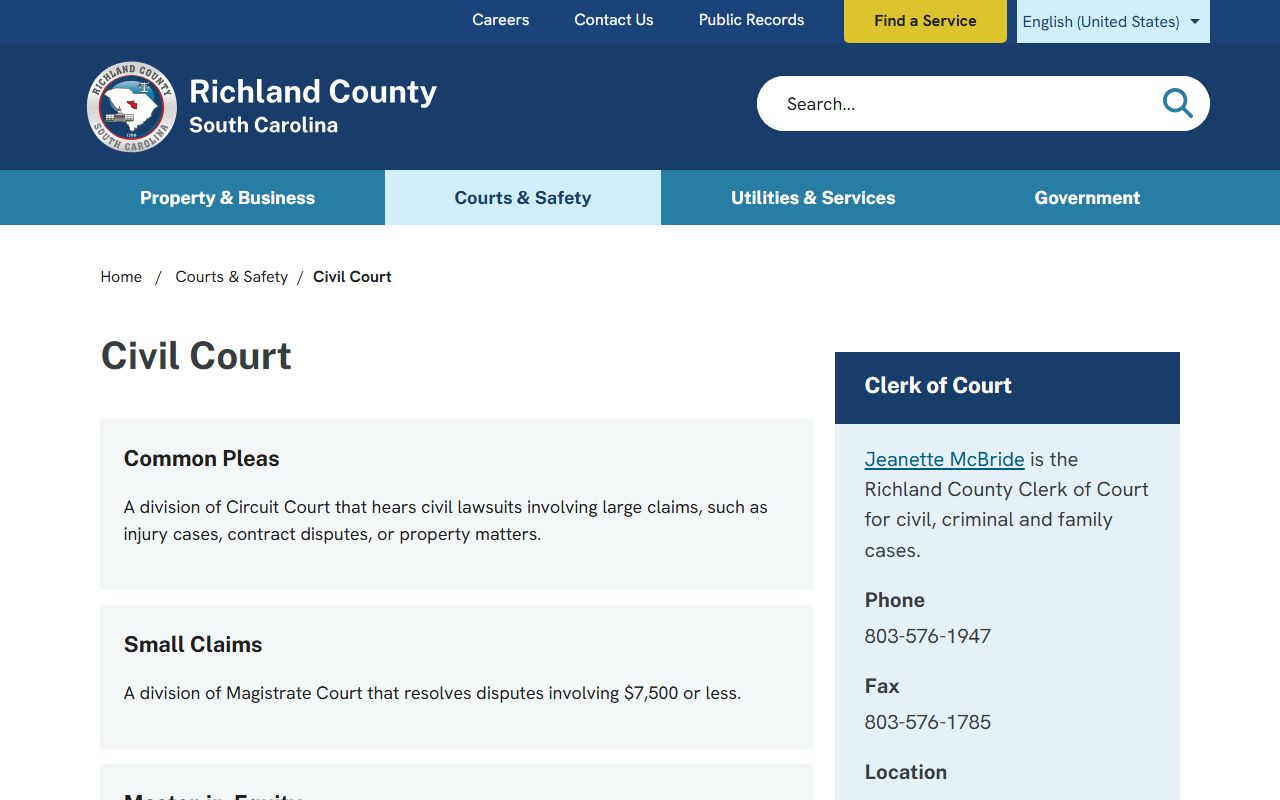
Civil docket users should match the online case action list to the Clerk's civil records channel when a filed document or certified copy is needed.
How to Find Richland County Dockets Online
The main online search path is the Richland County court roster portal and the Public Index reached from the state case-records search. The Public Index provides case actions and tabs when available, while roster search is more focused on scheduled court activity. Browser requirements can matter because the state system may require cookies, JavaScript, security validation, and pop-up access for case details.
- Start with the South Carolina Judicial Branch case-records search or Richland roster search.
- Select Richland County, accept the disclaimer, and complete the security validation when prompted.
- Search by case number if known, or use party name, court agency, court type, case type, and date filters.
- Open the case number to review docket actions, financial entries, party details, and available document icons.
- Call the Clerk or the specific lower court when the online docket does not answer a hearing or copy question.
The Richland County Criminal Court page gives local routing for General Sessions appearances, case roster scheduling, criminal records, fine payments, and warrants or sentencing questions.
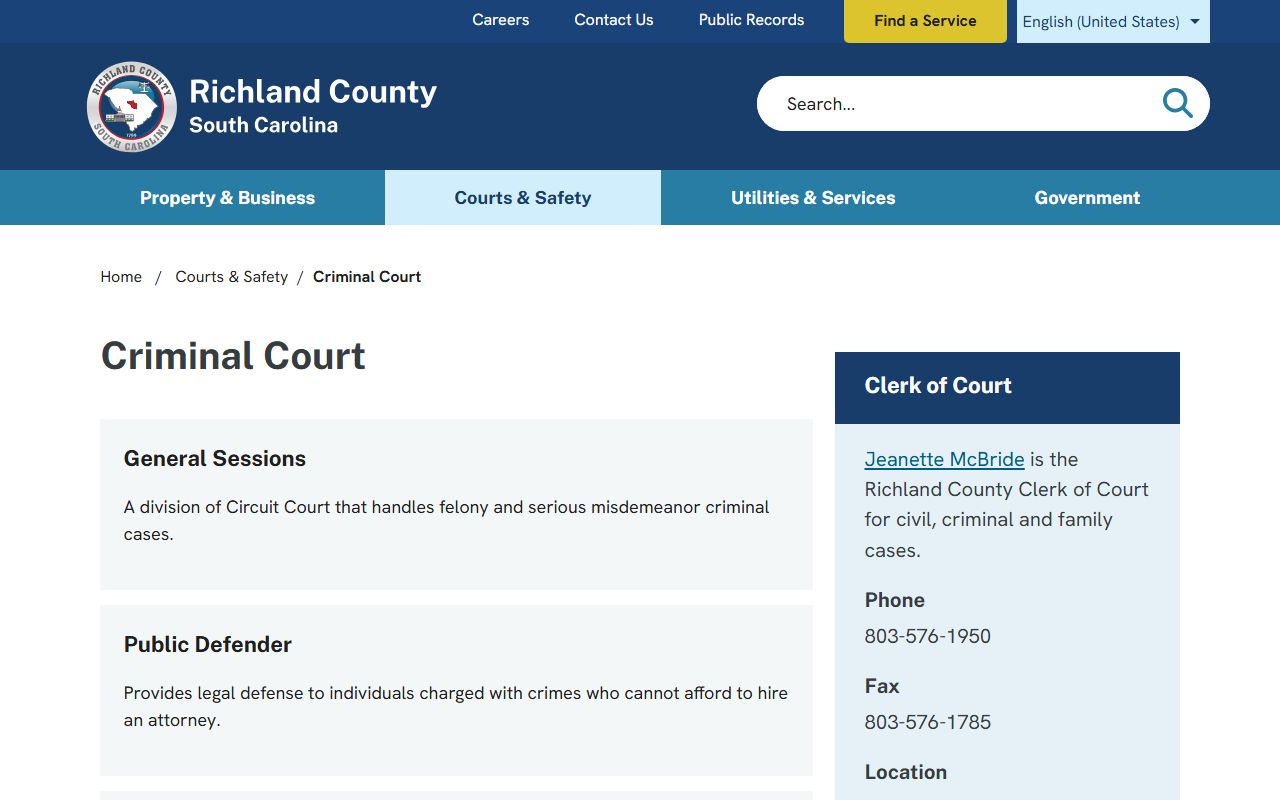
That local phone routing is important because a posted docket may not settle every question about appearances, roster placement, or certified criminal records.
Richland County Docket Entry Fields
The research did not capture a stable sample docket from the live Public Index, but the official Public Index guide identifies the case-detail tabs and controls that reveal docket-like actions. Entries may vary by court and case type. A civil case may show pleadings, motions, orders, judgments, and financial items. A criminal case may show filings, hearings, indictment-related entries, sentence sheets, bond papers, and disposition information.
| Field | What It Shows |
|---|---|
| Action Date | The date a filing, order, hearing, payment, or other court event was posted. |
| Action Type | The event category, such as motion, foreclosure action, judgment, hearing, or disposition. |
| Case Number | The court identifier that links the docket entry to the full case record. |
| Party or Agency | The person, business, court agency, or filing party tied to the action where shown. |
| Financial Tab | Fines, fees, payments, or balances when the case has monetary entries. |
| Document Icon | A link to an image when the county and case type make the image available online. |
Richland County Court Docket Sources
Richland County court dockets are not one uniform list. Circuit Court, Family Court, Probate Court, Magistrate Court, Municipal Court, and Master-in-Equity matters each have different records and contacts. Magistrate small claims and lower criminal matters may route through Central Court or local magistrate offices, while Circuit Court civil and criminal files route through the Clerk of Court.
- Circuit Court Common Pleas: civil lawsuits, judgments, foreclosures, property disputes, and Master-in-Equity referrals.
- Circuit Court General Sessions: felony and higher-court criminal files, including indictments, sentence sheets, and bond papers.
- Family Court: divorce, custody, support, juvenile, adoption, and name-change matters, with stronger access limits.
- Magistrate Court: small claims, landlord-tenant, lower criminal, traffic, bail, preliminary hearings, and warrants.
- Municipal Court: city ordinance, traffic, and lower criminal matters within cities such as Columbia, Forest Acres, Eastover, and Irmo.
The Richland County Family Court page gives the local Family Court contact path for divorce, support, custody, juvenile, and name-change matters.
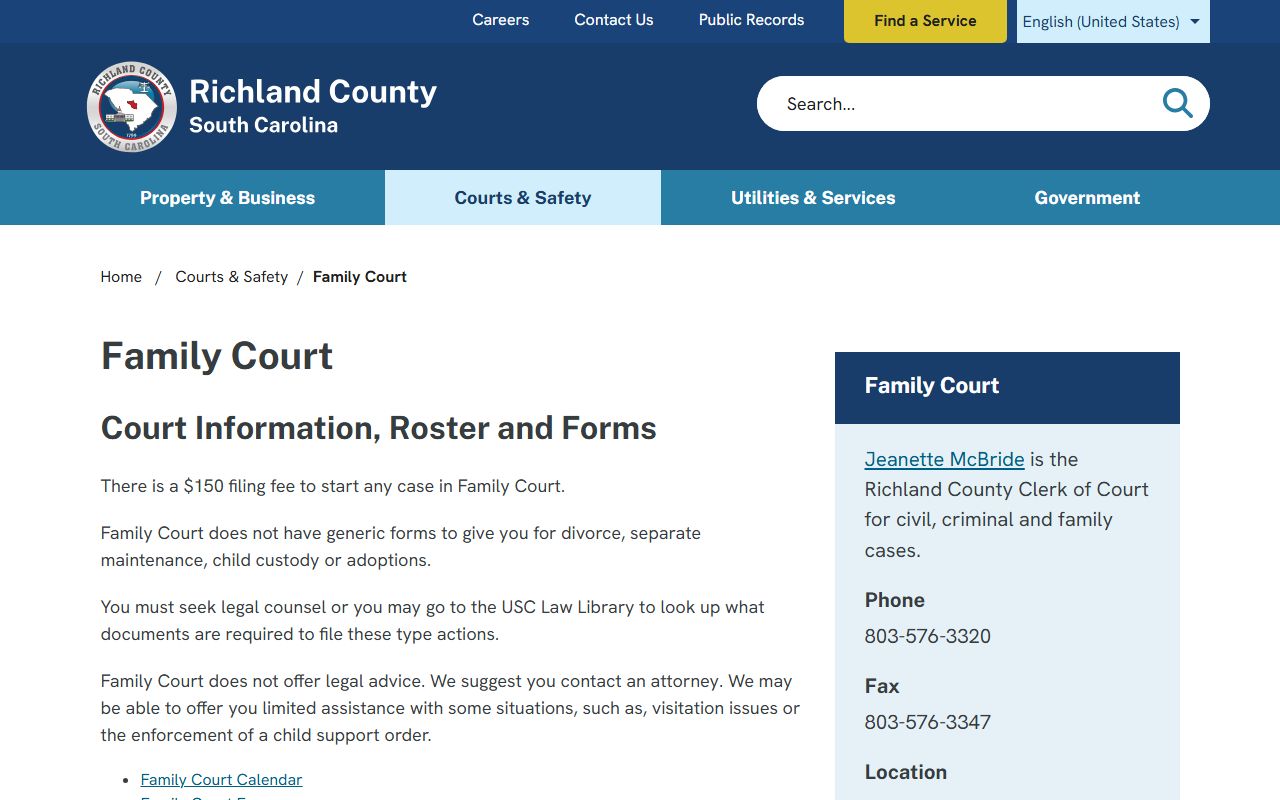
Family Court docket access can be narrower than standard civil access, especially when juvenile, adoption, or confidential family details are involved.
The Richland County Small Claims page identifies Magistrate civil routing for claims under the local jurisdiction limit.
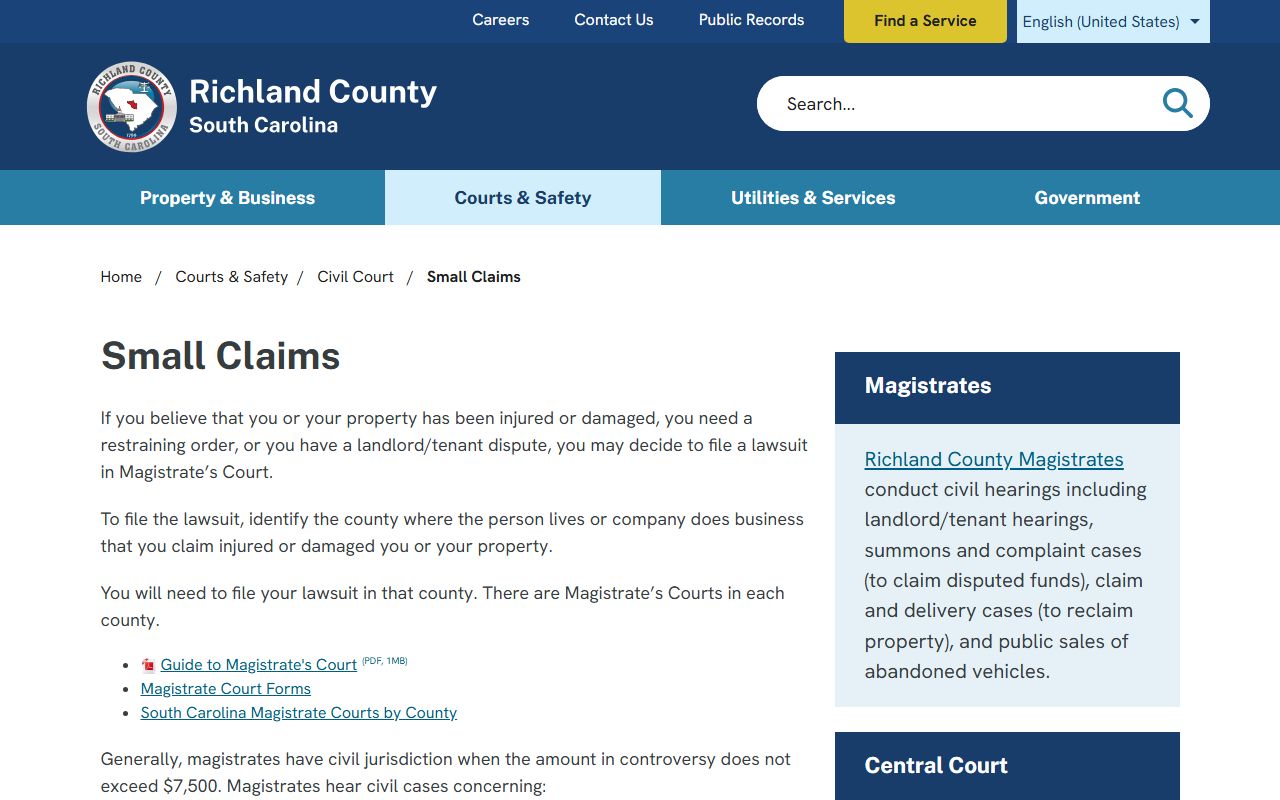
Small claims docket questions should be routed to the Magistrate channel rather than assumed to be a Circuit Court Common Pleas file.
Richland County Dockets vs Case Records
A docket is best for tracking status. A full case record is better for legal review, certified copies, and exact wording in filings or orders. For example, a docket may show that a motion was filed, but the motion document may need an image link, a Clerk copy request, or an in-person file review. A docket may show a disposition, while a sentence sheet or final order may be needed to verify the details.
| Docket | Full Case Record | |
|---|---|---|
| Format | Timeline of court actions | Documents, orders, filings, and certified copies |
| Best use | Check status, dates, and basic events | Verify exact legal text or obtain proof |
| Access | Often visible in Public Index | May need images, copy fees, or court-office request |
| Limits | May omit sealed or non-public detail | May still be restricted by court rule or statute |
Richland County Filing and Form Clues
Docket entries often use filing terms that are easier to read when matched to court forms. The South Carolina Judicial Branch court forms search can be searched by court type, form title, and form ID. It does not replace the docket, but it helps explain the names of filings that may appear in a case-action list.
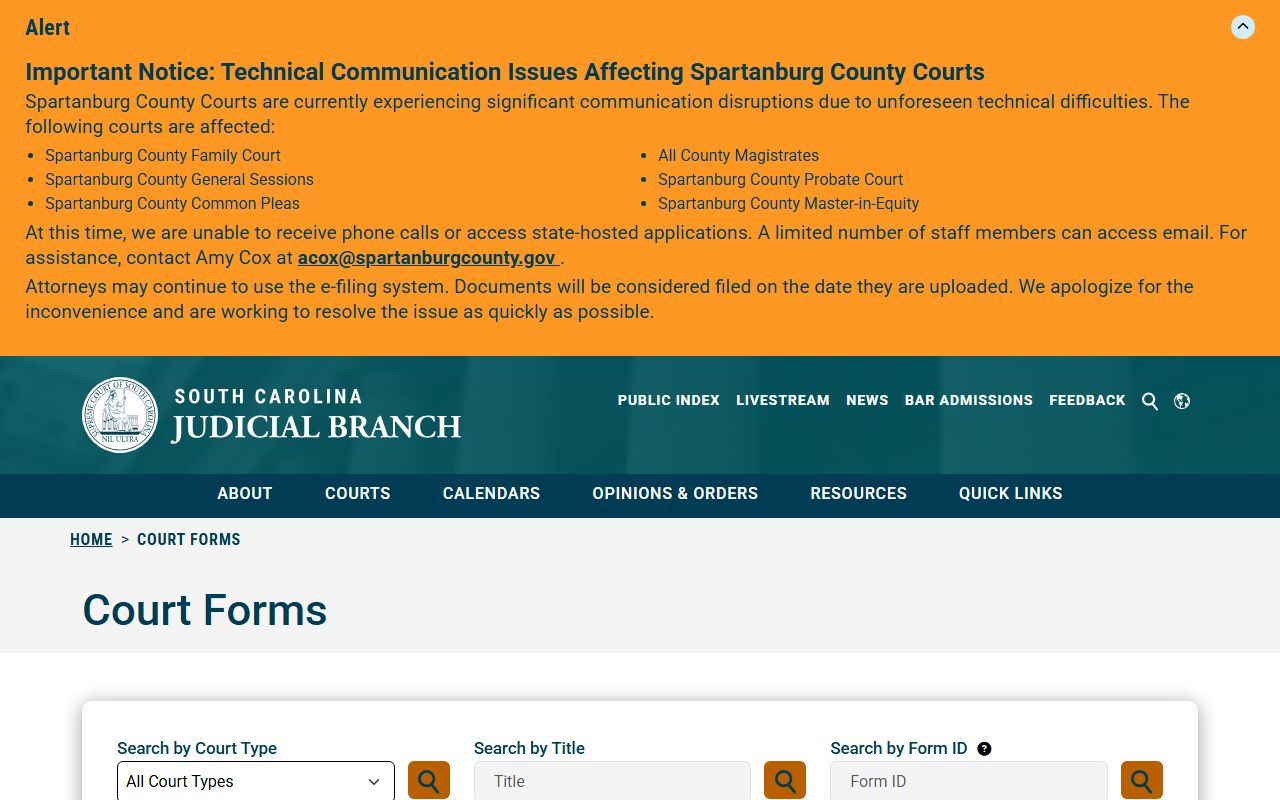
For users reading docket entries, form names can help distinguish a summons, complaint, motion, order, judgment, transcript request, or probate filing.
How to Read Richland County Dockets
Common docket terms include action type, motion, disposition, judgment, indictment, bond, arraignment, and sentence sheet. Action Type is the event category. A motion is a request for a court order. A disposition is the current or final outcome. An indictment is a formal felony charging document in General Sessions. A sentence sheet is a criminal sentencing document filed after disposition.
Master-in-Equity docket entries can look different because the office handles referred civil, non-jury matters such as foreclosure and judgment proceedings. Richland local procedure material addresses proposed orders, deed packages, sales, and supplemental proceedings. The Richland Master-in-Equity procedures are useful when a civil docket points to that office.
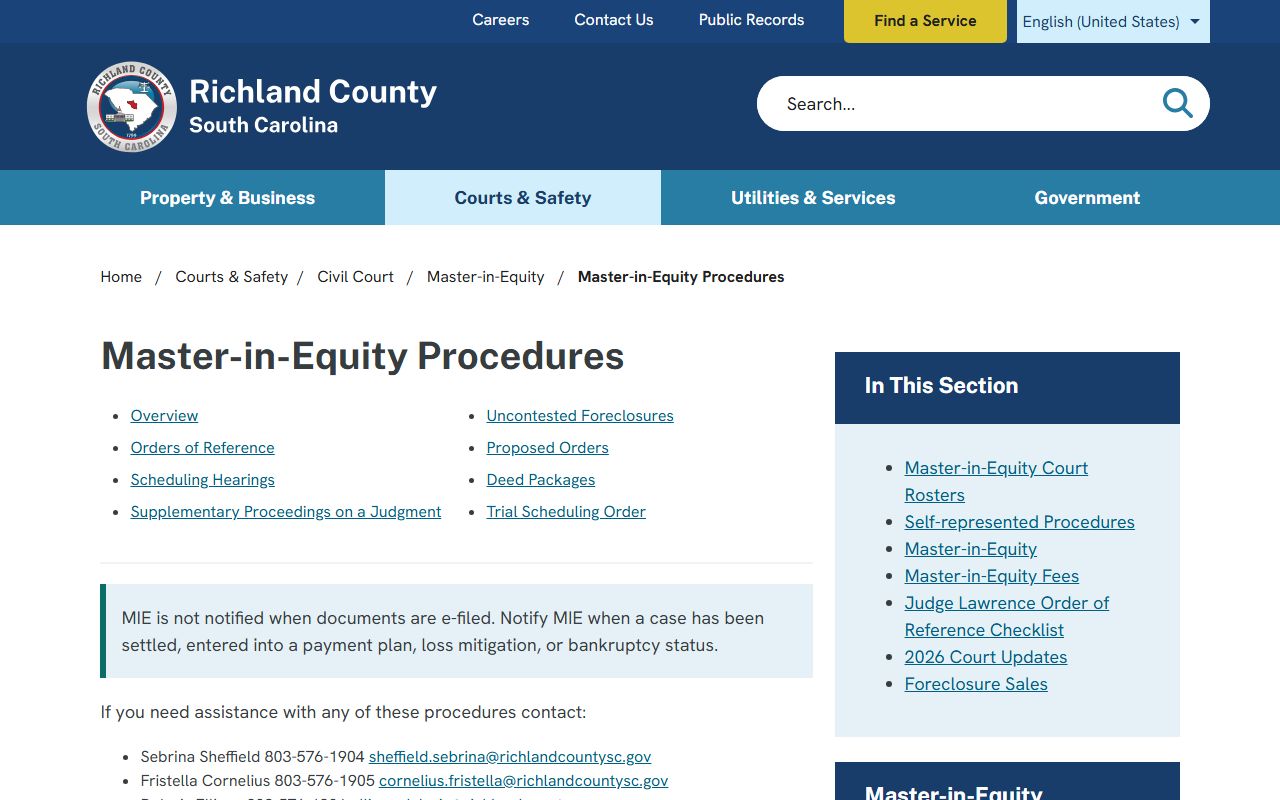
When a docket entry references a sale, deed package, proposed order, or supplemental judgment step, the Master-in-Equity procedure page can explain the local civil process.
Do not treat every docket action as a court appearance. Some entries are clerk actions, filing notices, payment updates, image links, or internal processing notes. If a docket says a hearing is scheduled, confirm the courtroom, time, and attendance rule with the assigned court. If the docket only shows that a motion was filed, the actual motion text may require a document image or a Clerk copy request.
Note: A docket date is not always a final hearing date, so confirm appearances with the assigned court office.